There are a number of ways to improve the focus on your subject using PS Elements.
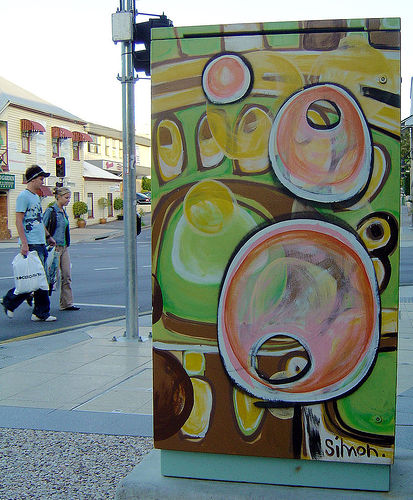
I’m going to start with one of my own photos – a Traffic Signal Box.
B0730 – DSC02716- tsb-edmonstone by Rae Allen, on Flickr
It would be an OK image but the background is a bit hot, the walkers may be a bit distracting, and the colours are a bit washed out.
I’m going to use PS Elements to make the TSB stand out more, and in a process that is about 5 minutes work.
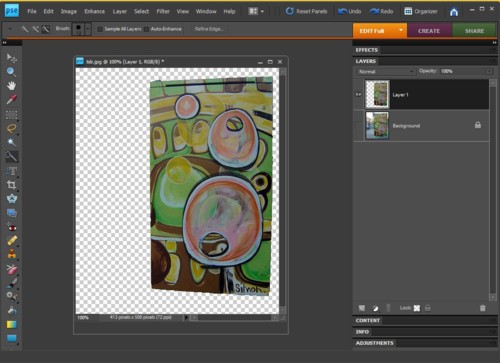
First I select and copy the main object. Now you know why I chose the signal box – its regular shape. Add that copy back in as a new layer.
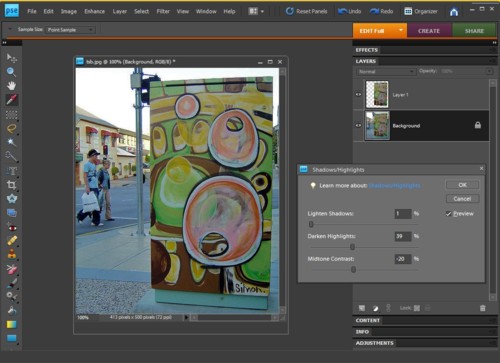
Working on just the background, darken the image.
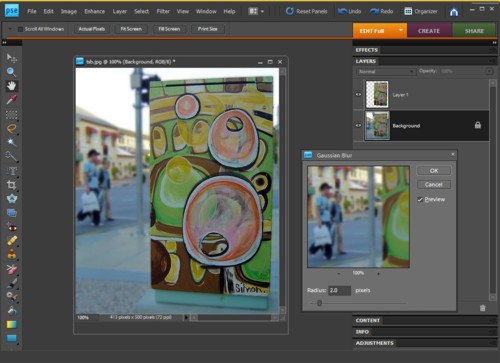
Still just working on the background apply a Gaussian blur.
At this stage you already have the TSB standing out, but it is time to work on the foreground.
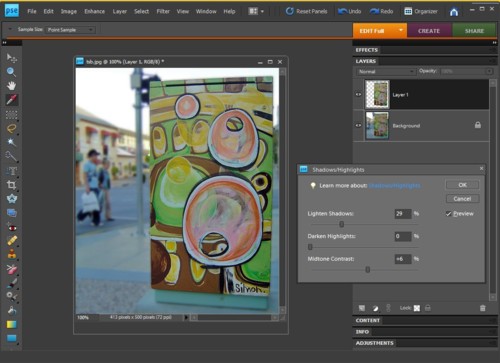
First adjust the lighting:
Then increase the colour saturation:
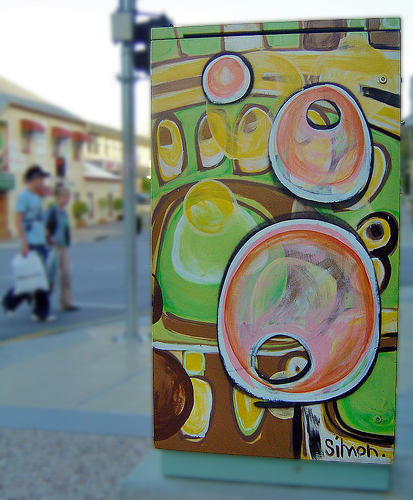
The result – a photo with far more focus on the subject, and worth comparing to the original if you were using it in a story.
I should mention that a lot of the effects added to this photo could have been achieved in taking the image itself – I just didn’t think about it at the time.
You can use SSI to select a specific day, and then carry out an action. You can also determine that action to be carried out at a certain time on that day.
First configure the time format to the day of the year
<!–#config timefmt=”%j” –>
Then use an SSI to select a specific day
<!–#if expr=”($DATE_LOCAL = /75/)” –>
This will select the 15 March in 2012
 You can use SSI to select a number of days.
<!–#if expr=”($DATE_LOCAL = /75/)||($DATE_LOCAL = /76/)||($DATE_LOCAL = /77/)||($DATE_LOCAL = /78/)||($DATE_LOCAL = /79/)||($DATE_LOCAL = /80/)||($DATE_LOCAL = /81/)” –>
This will select from day 75 through to day 81
You can also select a specific time within this day
<!–#if expr=”${DATE_LOCAL} = /296/ “–>
<!–#if expr=”((${DATE_LOCAL} > 2961659) && (${DATE_LOCAL} < 2961901)) “–>
This will look at day number 296, and then carry out the command for the time from 1659 local time to 1901 local time based on the server.